Hi there! I’m Adachi Hack-kun, your local guide to making life in Tokyo easier and more fun!
Have you ever needed to print a hotel voucher, a ticket, or a document while traveling in Japan? Don’t worry—you don’t need to find an office supply store. You can do it 24/7 at any convenience store (Konbini) like 7-Eleven, Lawson, or FamilyMart!
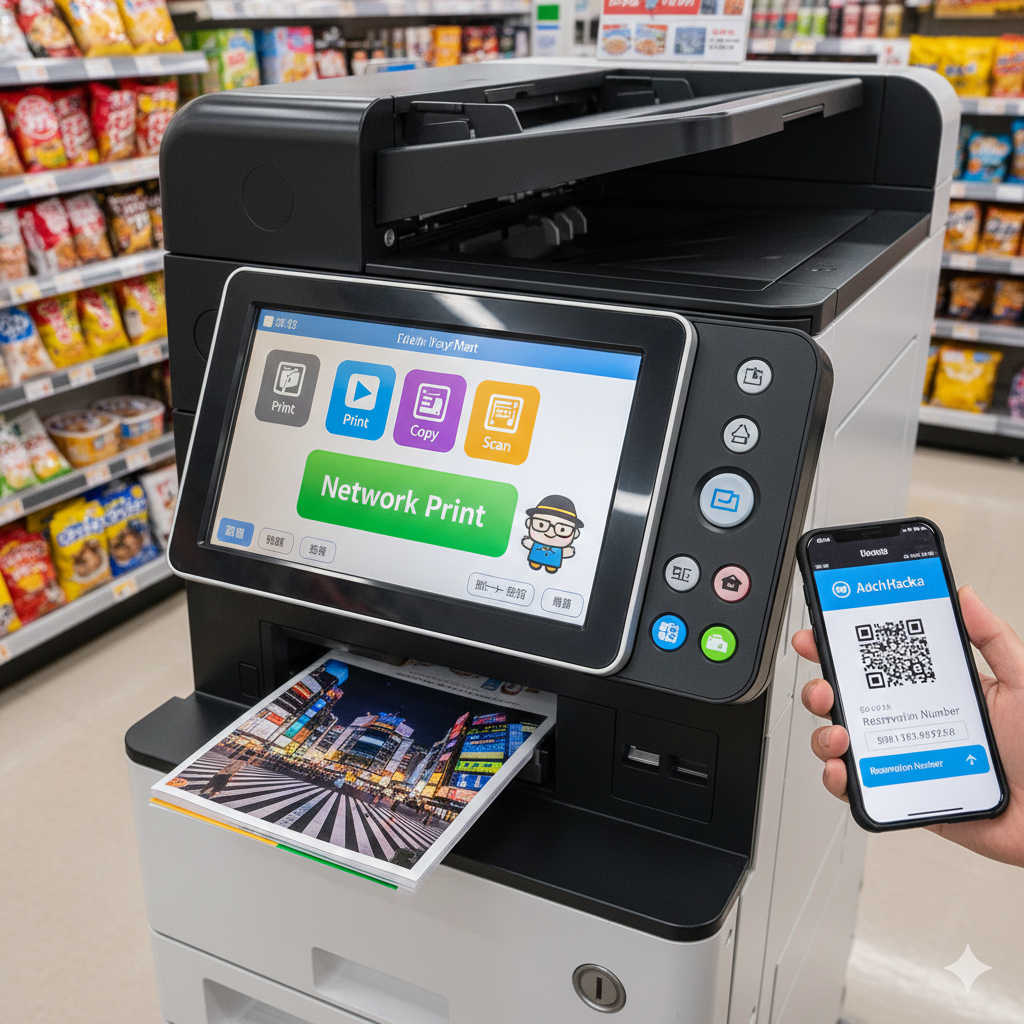
Here is the easiest way to print from your smartphone using the “Network Print” service.
1. What is “Network Print”?
It’s a super convenient service where you upload your files to the cloud from your phone and print them using a multi-copy machine at a convenience store. No cables, no USB drives, and no registration required!
💡 Looking for more Tokyo Hacks?
If you’re struggling with something in Tokyo—like “How do I use this ticket machine?” or “Where is the best coin locker?”—please let me know in the comment section below! I’m here to investigate and solve your problems for you.
2. How to Use It (Step-by-Step)
1. Upload your file: Visit the Network Print website or use their app.
2. Get your User ID: Once uploaded, you’ll receive a Print Number (User ID) or a QR code.
3. Go to a Konbini: Find a Lawson or FamilyMart (for this specific service).
4. Print!: On the machine’s touch screen, select “Network Print,” enter your ID, insert coins, and you’re done!
3. Why This is a Life-Saver for Travelers
• Cheap: Only about 10–100 yen per page.
• Everywhere: There’s a convenience store on almost every corner in Tokyo.
• English Menu: Most copy machines have an “English” button in the top corner!
Help Me Help You!
As Adachi Hack-kun, I want to make your Japan trip as smooth as possible.
What should I research next? Whether it’s a hidden spot in Adachi or a complex subway transfer, feel free to leave a comment! I’ll go there, check it out, and write a guide for you.
Got any life hacks or mysteries you want me to research?
[Send your requests here!] (https://life-hacks-tokyo.com/request)
コメントを残す